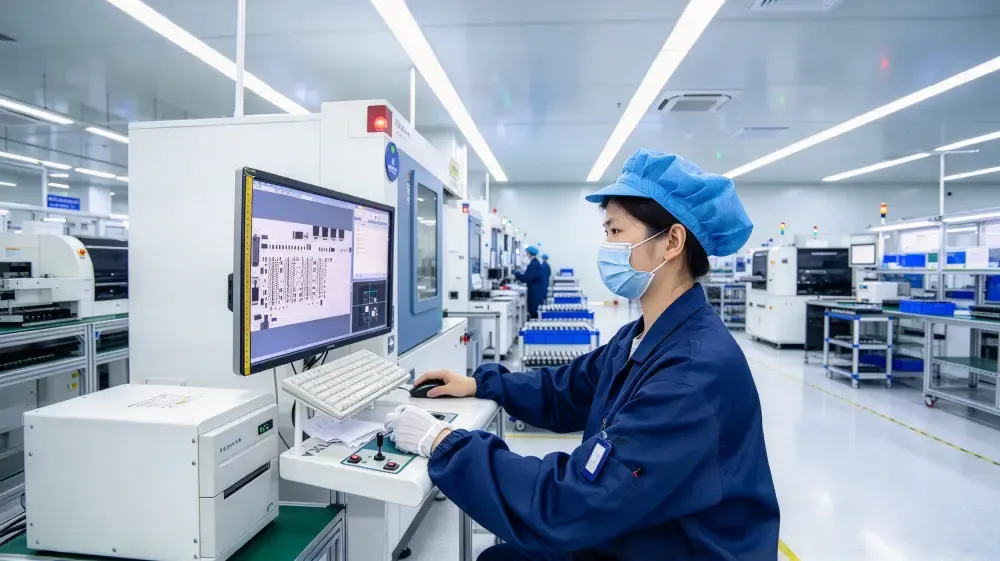
RUIYI SOP moves work instructions, process cards and inspection standards out of paper and shared folders into one system — delivering the current approved version to the station by product, operation and role, and recording who did what, when, on which equipment and against which version.
Where it sits: it does not replace MES or MOM. MES records whether an operation was completed; SOP governs how it must be done, by whom, and with what evidence.
Version controlStation-level guidanceIn-process error proofingAudit-ready records
What gets in the way today
Five situations most plants recognise before any work instruction system is in place.
1. Wrong version in useThe process changed, but the floor is still working from the old drawing or printout — and the defect shows up a batch later.
2. Instructions hard to findDocuments live on a shared drive, in a printed folder, or on a supervisor's PC. Every model change means a search.
3. Inconsistent stepsThe same operation is written up differently by different people, so quality varies with the person.
4. No evidence of executionThe work was done, but nobody recorded who did it, when, or against which version — nothing to show at audit.
5. Slow onboardingTraining is passed on by word of mouth, with no way to tell whether a new operator is actually ready.
What you get
Four outcomes, each tied to a mechanism rather than a promise.
Versions under controlOperators only ever see the released version. When a new revision is published, the old one is obsoleted automatically.
Execution recordedEvery confirmation carries an operator, a time, a station and a version number — retrievable on demand.
Errors caught in processCritical steps cannot be skipped, and material, tooling and equipment are verified by scan before the flow continues.
Versions under controlhe standard is held in the system, so a shift change or a resignation no longer changes the way the job is done.
Capabilities
Forty-seven capabilities in seven groups, from authoring to deployment.
Integration & deployment
Item
Supported
Connected systems
MES / MOM, ERP, PLM, QMS, WMS
Equipment protocols
OPC UA, Modbus TCP, MQTT, REST API
Client devices
Station terminal, industrial tablet, PDA, PC, shop-floor board
Deployment
Cloud or on-premise, functionality identical
Records & audit
Role-based access, operation logs and version history for internal audit and customer audits