

Industrial Management System Suite
Andon Alert System
Visible, timed and tracked exception handling for the shop floor — one-touch calls, self-running escalation and response time you can audit.
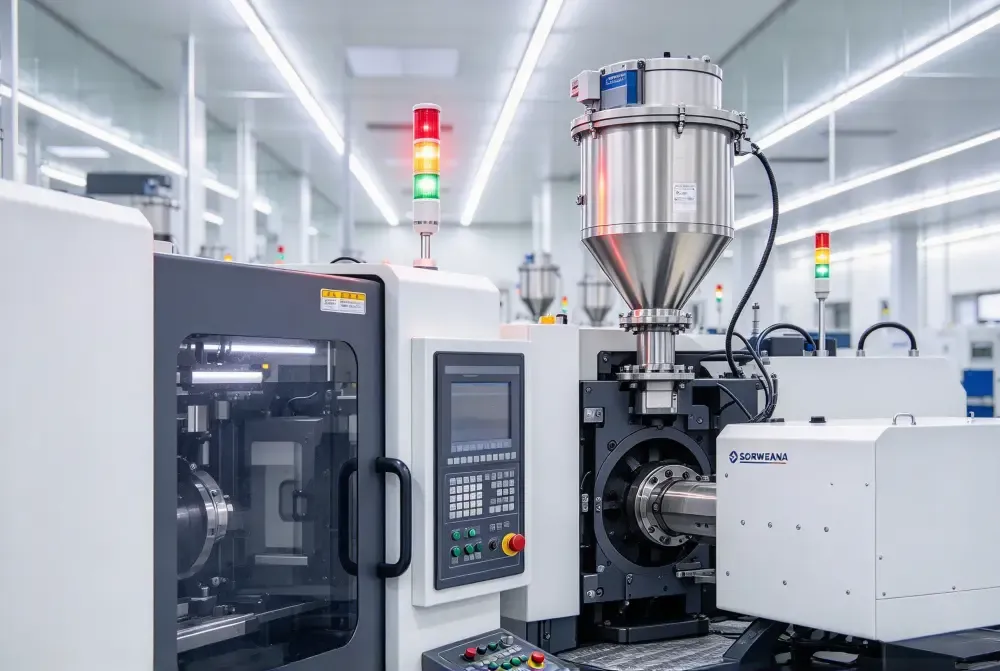
RUIYI Andon turns every line stop, quality flag and material call into a signal that is visible, timed and tracked — from the moment a station calls for help to the moment the issue is closed out on the floor.
Instead of relying on someone walking over or shouting across the line, every alert carries a type, a location, a target response time and an owner. Nothing gets lost between shifts, and nothing waits silently at the end of a conveyor.
Where it sits: Andon sits beside MES and MOM, not inside them. It captures the exception the moment it happens and keeps the clock running until it is resolved; MES consumes the downtime reasons, and MOM turns response performance into planning decisions.
What gets in the way today
Most line-stop problems are not caused by missing data. They are caused by signals that never reach the right person in time.
Calls travel by word of mouth.
A station stops, someone walks off to find a technician, and the clock only starts when the technician shows up.
No escalation memory.
If the first responder does not come, nothing automatically tells the supervisor — or the next one after that.
No record of response.
Without timestamps, “we responded quickly” cannot be checked, and recurring stoppages stay invisible.
What you get
Four mechanisms, each closing a specific gap in how exceptions are handled on the floor.
Capabilities
Six capability groups, each mapped to what it does on the floor rather than a feature name.
Capability | What it does |
Typed alert sources | Push buttons, pull cords, sensor limits and MES events all raise alerts with a type and a station attached. |
Escalation matrix | Response targets per alert type and shift; timeouts escalate automatically along a configurable chain. |
Live floor dashboards | Workshop screens show open alerts by station, type and age, colour-coded by how close each one is to its target. |
Response tracking | Call, acknowledge, arrive and close timestamps give a complete response record for every alert. |
Mobile push | Alerts follow the on-duty responder to phones and terminals, with acknowledge and close from the device. |
Stoppage analytics | MTTR, alert counts and top stoppage causes per line and shift — exportable for the morning meeting and the monthly review. |
How it works
1. Trigger: a station raises an alert by push button, sensor or an MES event. The alert is typed, stamped with station, product and shift, and appears on the boards instantly.
2. Route: the alert goes to the first responder group for its type, with the target response time already attached.
3. Respond: the responder acknowledges from a terminal or a phone. If the target expires, the alert escalates up the matrix on its own — and the boards show it in red.
4. Close and analyze: closing an alert requires a downtime reason and a short note. Over a week, the system shows the top stoppage causes per line — not just anecdotes.
Integration & deployment
Works alongside your MES and MOM.
Downtime reasons flow into MES records; response performance feeds MOM planning reviews — no duplicate data entry.
Runs on hardware you already have.
Touch terminals at the line, existing screens for boards, phones for mobile push — no proprietary boxes required.
Pilot on one line in two weeks.
Alert types, escalation chains and dashboards are configured, not coded — replicating the setup to the next line is a template job, not a project.