

Other Systems & Customization Suite
Document Management System
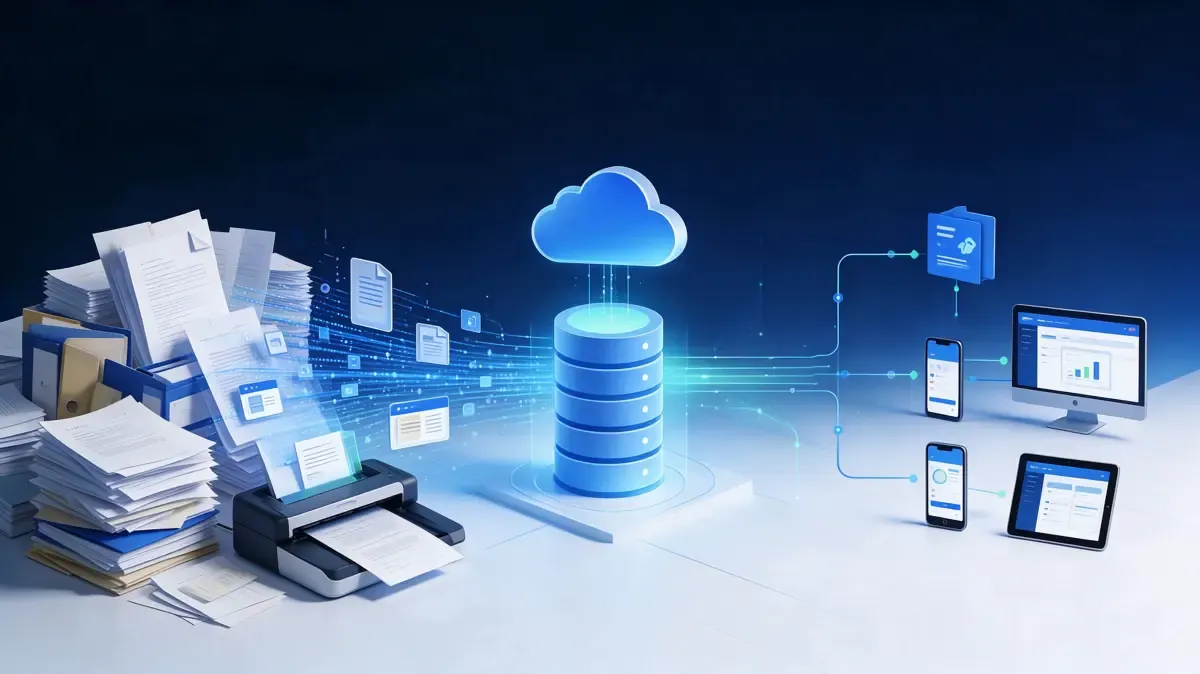
Document problems rarely announce themselves. A drawing goes out with the wrong revision, a procedure is followed from a copy somebody printed last year, and the version that mattered cannot be produced when it is needed. Nothing was lost; the problem is that nobody can say which one is current.
Document Management System holds documents as controlled items rather than as files. Each one has a current version, a defined set of people who may see it, and a record of what changed, when, and who approved it. Distribution stops being a matter of remembering to send the right copy.
The practical test is simple: when someone asks for the current version of a document, or asks what changed between two, or asks who approved a change and when, the answer should come from the system in seconds — not from a filing cabinet or a person's memory.
A document nobody can locate is not lost. It is simply unavailable when it is needed.
What it is
Documents as controlled items. Each has an identity, a status, a current version and an owner — not just a file name on a drive.
Version control that means something. Revisions are related to each other, so what changed between two of them can be seen rather than guessed by comparing file dates.
Permissions by role and folder. Who may read, who may edit and who may publish is set once, rather than decided each time a copy is shared.
Review and approval as part of the document. A document moves through review, and the decision and its conditions are stored with it.
Distribution that reflects what is current. People are given access to the document, not to a copy that was correct when it was sent.
Retention that can be shown. How long each class of document is kept, and what happens to it afterwards, is set as policy rather than left to storage limits.
What gets in the way today
There are several versions and nobody knows which is current. The file name is not a version control system.
Draft, revised, final and final-revised all exist. Which means no one can say which is in force without checking.
Versions are distinguished by date and initials. Which tells you when it was touched, not what changed.
A superseded copy is still in circulation. And is used, because it is the copy somebody has.
Access is decided by whoever is sending. Permission is an act of trust rather than a rule.
A document is shared with whoever needs it, by whatever means. So the list of people with a copy is nobody's responsibility.
Confidential material sits in the same folder as everything else. Protected by whoever remembers not to forward it.
When someone leaves, nobody knows what they had. Which is discovered when it matters.
Change is invisible after the fact. The record stops at publication.
A change arrives without saying what changed or why. So the reader has to work out what is different.
Approvals live in mail threads. Which means the decision cannot be produced when questioned.
Nothing links a document to the process it belongs to. So a review cannot tell whether the document set was complete.
Retention is whatever the drive allows. Which is not a policy.
Documents are kept until space runs out. Then deletion is arbitrary, or nothing is deleted at all.
There is no record of what was disposed of, or when. Which is exactly what an audit asks about.
The life of a controlled document
The same path for every document, whatever its content, so the questions about a document always have the same answers.
A document is published against a defined approval, and what was in force at any past date can be produced. Superseded versions are retained according to the retention policy rather than deleted, because the question "which document applied then" is asked more often than people expect — usually after something has gone wrong.
What you get
Where it is used
What changes between these settings is how many documents matter, how often they change, and how strictly they have to be controlled.
Setting | What document control usually focuses on |
Engineering and design | Drawings, models and specifications with revisions, approvals and the document set for a build |
Quality and compliance | Procedures, work instructions and records with retention and review cycles |
Operations and maintenance | Manuals, permits and technical documentation kept with the equipment they apply to |
Commercial and project work | Contracts, specifications and deliverables with revision and distribution tracking |
Regulated environments | Controlled documents with approval history, retention and evidence of what was in force |
Capabilities
Grouped by what they do.
Capability | What it means |
Document record | Identity, owner, status, current version and location for each document |
Versioning | Revisions related to one another, with what changed between them visible |
Status and lifecycle | Draft, in review, published, superseded, retired — with what is allowed at each stage |
Review and approval | Routing, approvers, conditions, decision and date stored with the document |
Permissions | Read, edit, publish and distribute rights by role, folder and document class |
Distribution | Access granted to people rather than copies circulated, so what they see is the current version |
Comparison | See what differs between two revisions without opening both side by side |
Classification and metadata | Class, tags and custom fields used to find and filter documents |
Full-text search | Search across content, with filters for class, status, owner and date |
Workflow | Review, approval and release steps configured per document class |
Retention and disposal | Retention by class, disposal decisions, and the record of what was disposed of and when |
Audit trail | Who viewed, changed, approved, published or disposed of each document, and when |
Templates and conversion | Start from a template, or bring existing documents in and assign their class |
External sharing | Controlled sharing with an expiry, rather than permanent copies in mailboxes |
Integration | Connect to the systems where documents are referenced, so links do not go stale |
Deployment choice | Run on your own servers or in the cloud, usually decided by where the documents may be stored |
Roles and audit | Role-based access with the audit trail retained and exportable |
How it works
Define the classes. What kinds of document exist, who owns each class, what state it must pass through and how long it is kept.
Bring them in. Existing documents are classified and versioned, so what already exists stops being an uncontrolled set of files.
Write and review. Work is done against a draft; review and approval are recorded with the document.
Publish. The approved revision becomes the current version, and access follows the document rather than a copy.
Use the current one. Readers see the version in force, and what changed is visible when they need to know.
Retire and dispose. Superseded versions are retained per policy, and disposal is decided and recorded.
Boundaries and what it does not decide
It stores and controls; it does not write. The engineering, the drafting and the authorship happen elsewhere. What this application governs is the version, the permission and the record.
Approval is not advice. The application routes and records decisions; who may approve what is set by the organisation, and remains an organisational decision.
It does not claim to prevent every mistake. It makes the current version unambiguous and the history complete, which is what most document errors actually come down to.
Where it runs. On your own servers or in the cloud, decided by where documents may be stored and who may reach them.
What is local. Retention periods, record-keeping duties and access rules differ by jurisdiction and by sector, and are set by the site's own policy.